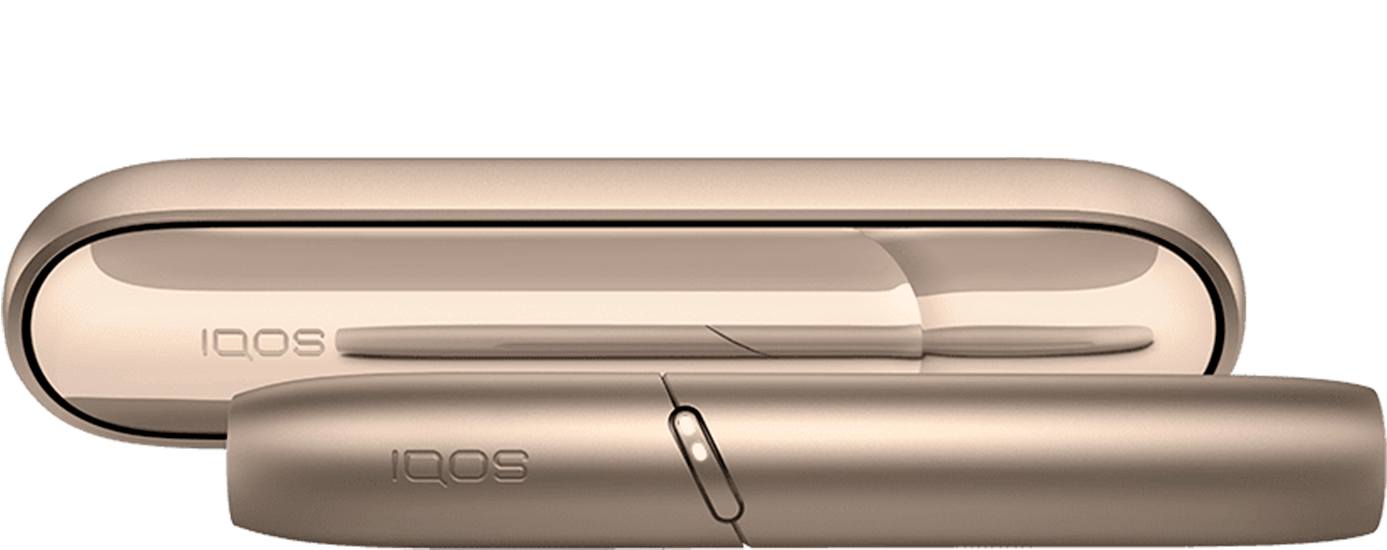
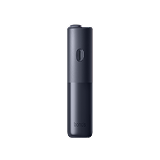
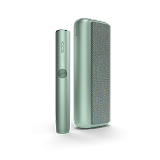
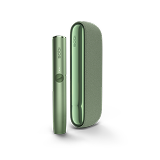
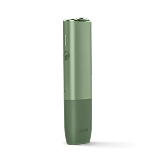
BONDS by IQOS
first steps.
A handy introduction to your new device.
BLENDS ROUNDHEAT STICKS™ designed to
be used with BONDS by IQOS™.
How to use BONDS 2 by IQOS for the first time.
Unbox your device.
• Carefully remove the BONDS 2 by IQOS device from the packaging. You’ll also find the compatible charging cable, User Guide and Safety Warnings and Instructions.
• Ensure you have a compatible AC power adaptor, and ROUNDHEAT sticks on hand. These are sold separately.
Charge the device.
• Plug the device into a wall socket to charge, using compatible charging accessories.
• A full charge takes about 120 minutes.
• Once charged, insert the ROUNDHEAT stick.
Start the experience.
• Insert a BLENDS tobacco stick.
• Press and hold the button to start pre-heating.
• When it vibrates, heating begins.
• When it vibrates again, it’s ready to use.
Quick guide to get familiar with your BONDS 2 by IQOS.
How to use ROUNDHEAT sticks.
Only BLENDS ROUNDHEAT sticks are compatible with your BONDS 2 by IQOS.
How to use ROUNDHEAT sticks:
- Insert the stick up to the line. The filter must point outward.
- Device will vibrate, indicating that heating has begun.
- Wait for the second vibration and fixed light(s) to start puffing.
How to charge BONDS 2 by IQOS.
It takes about 120 minutes to fully charge your BONDS 2 by IQOS. For optimal charging, avoid charging with a laptop or power bank and ensure the USB ports are clean.
To charge your device:
- Connect the device to a wall socket using a compatible charging cable and AC power adaptor. At any given time, there's only 1 light flashing white. Any other lights will be solid.
- Leave it to charge. At 100%, all white lights stay on for 3 seconds and then slowly fade out.
Note: The blinking light indicates the level of charge. As the charge level increases, more lights will blink.
BONDS 2 by IQOS patterns and features.
• Pre-heating: BONDS 2 by IQOS pre-heats for 30 seconds. It’s ready after the second vibration.
• Cool down mode: After 3 consecutive experiences, the device will need about 4 minutes to cool down before starting another experience. While cooling, lights ramp up and down.
• Experience ending: To signal the last 30 seconds, BONDS 2 by IQOS will vibrate once. The experience ends as soon as the lights turn off.
How to turn on the device.
Press the button for 4 seconds to turn on your BONDS 2 by IQOS. The lights will ramp up, then display the battery status.
Note:
• Press the button for 4 seconds to turn off the device.
• Charging the device will automatically turn on the device.
How to optimise experiences.
Your BONDS 2 by IQOS is designed to provide up to 28 uses from a fully charged device.
Each experience lasts up to 5 minutes.
To get the most out of your experiences:
• Give about 30 seconds for BONDS 2 by IQOS to pre-heat.
• The device is ready for use after the second vibration.
• Pause between puffs so it can heat the tobacco properly.
• Avoid moving the stick during an experience.
Watch and learn.
Our video tutorials demonstrate your BONDS 2 by IQOS features.
You’ll see how your BONDS 2 by IQOS works for intuitive use and get to know what it’s telling you at a glance.
BONDS 2 by IQOS user documents.
Our BONDS by IQOS user documents are designed to help you understand and properly use your specific model.
You’ll learn about:
- • Component names and functions.
- • Optimal storage and usage.
- • Safety warnings and instructions.
- • Warranty coverage.
Other related topics.
Something we haven’t covered?
There are several ways you can reach out for support.
Phone
Call our Infoline for more timely and specific answers to your questions. We look forward to helping you!
Daily
9:00-19:00
Use the live chat
Chat with IQOS Experts in real time. Just send them a message and get your questions answered.
Connect on Facebook
Feel free to message with any questions and get them answered. Feel free to message with any questions and get them answered.
Send a tweet
Tweet your questions to get them answered. Tweet your questions to get them answered.
Youtube
Visit the IQOS Customer Care channel Visit the IQOS Customer Care channel
IQOS ILUMA™ is designed to be used only with SMARTCORE STICKS™. Do not use IQOS ILUMA™ and SMARTCORE STICKS™ with previous IQOS™ generations, as this may cause damage to your device. Do not ingest or disassemble SMARTCORE STICKS™. This product contains a sharp metal part which can cause serious injury if swallowed. Keep out of reach of children.
Visit Important Information
IQOS ILUMA™ is designed to be used only with SMARTCORE STICKS™. Do not use IQOS ILUMA™ and SMARTCORE STICKS™ with previous IQOS™ generations, as this may cause damage to your device. Do not ingest or disassemble SMARTCORE STICKS™. This product contains a sharp metal part which can cause serious injury if swallowed. Keep out of reach of children.
Visit Important Information